Split views and multiple cursors
Find and replace, formatters, Markdown and HTML previews, themes, and icon packs. The editor is CodeMirror, tuned for long sessions.


v0.11.4 · MIT licensed · Open source
Oxbit is a code editor with coding agents built in. It runs in a browser, on macOS and Linux, and on iPhone and iPad. Connect the Node runtime for files, terminals, Git, tasks, language services, and agents.
npm install -g @oxbit/cli
Features
Find and replace, formatters, Markdown and HTML previews, themes, and icon packs. The editor is CodeMirror, tuned for long sessions.
Completion, diagnostics, navigation, and formatting in trusted runtime workspaces. On iPhone and iPad, TypeScript, JSON, YAML, Dockerfile, shell, and Python servers run on the device.
Staging, commits, history, branches, remotes, stashes, and merge recovery. On iPhone and iPad, Git runs on the device with GitHub and Gitea accounts and signed commits.
Import project commands. Run services, dependencies, and worktree lifecycle hooks.
From the desktop app or an iPhone, open a folder on a Linux or macOS server, or start Oxbit there. The host does not need Node.
Browser workspaces persist files, settings, layout, and drafts in IndexedDB. Runtime workspaces check revisions before saving, preserve drafts, and reconnect surviving terminals and agent sessions. Commands with uncertain outcomes are not repeated automatically.
Agents
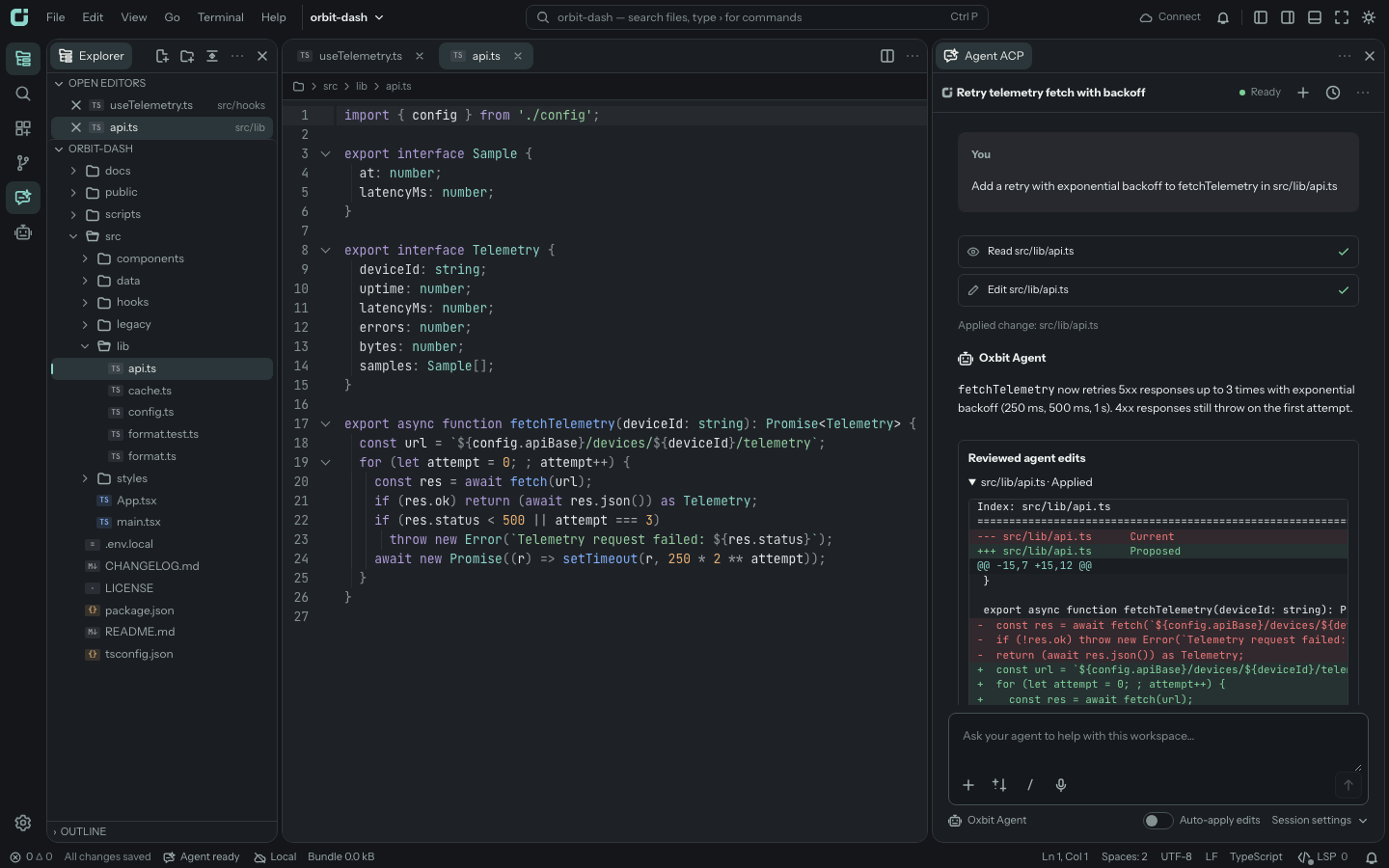
Run coding agents that speak the Agent Client Protocol in a trusted runtime workspace. Review each edit as a diff or apply edits as they land, mention files, symbols, commits, and branch diffs with @, and fork a conversation. Sessions keep running when the editor disconnects. Enable Agent ACP in Extensions.
Oxbit's own agent runs inside the iPhone and iPad app on the Documents folder and folders from Files, with no computer. Use an OpenAI, Anthropic, or OpenAI-compatible API key, or sign in with your ChatGPT plan. Keys and sign-in tokens stay in Keychain.
A terminal coding agent with a TUI, a print mode for scripts, and an ACP mode for editors that speak the Agent Client Protocol. It works with OpenAI or a ChatGPT plan, Anthropic, OpenRouter, Ollama, and OpenAI-compatible APIs, and reads AGENTS.md, skills, hooks, and MCP servers. The runtime and the desktop app bundle it for the agent panel.
$ npm install -g @oxbit/agent
$ oxbit-agent
$ oxbit-agent -p "Fix the failing test"
$ oxbit-agent acpRegister commands, panels, settings, status items, output channels, and document views. The Bundle Inspector example ships in the repo.
import type { Extension } from '@oxbit/sdk';

export default {
  manifest: {
    manifestVersion: 1,
    id: 'example.hello',
    version: '1.0.0',
    sdk: '^1.0.0',
    activation: ['onCommand:hello.show'],
  },
  activate(ctx) {
    ctx.commands.register({
      id: 'hello.show',
      title: 'Hello: Show',
      run: () => 'Hello',
    });
  },
} satisfies Extension;
Platforms
The same workbench and agent panel in a browser tab, in a native desktop window, and on iPhone and iPad.
Open a directory with browser directory access, or pair with a runtime for files on disk. Nothing to install.
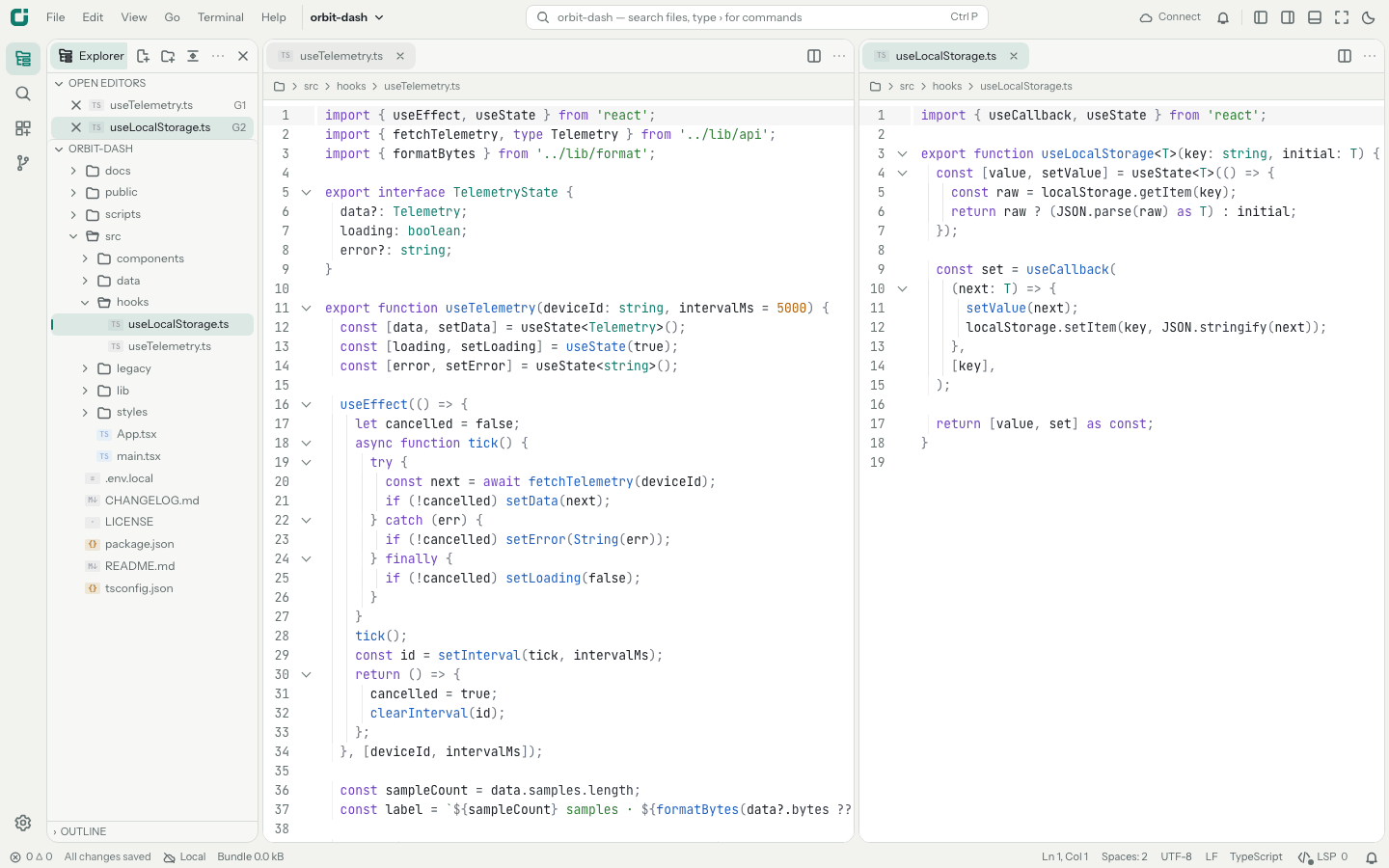
The Tauri desktop app bundles Node, ripgrep, the terminal addon, managed language services, and Oxbit Agent CLI. It runs on Apple Silicon Macs with macOS 26 and on Ubuntu 24.04 for x64 and arm64, and checks for signed updates. Connect over SSH opens a remote folder.
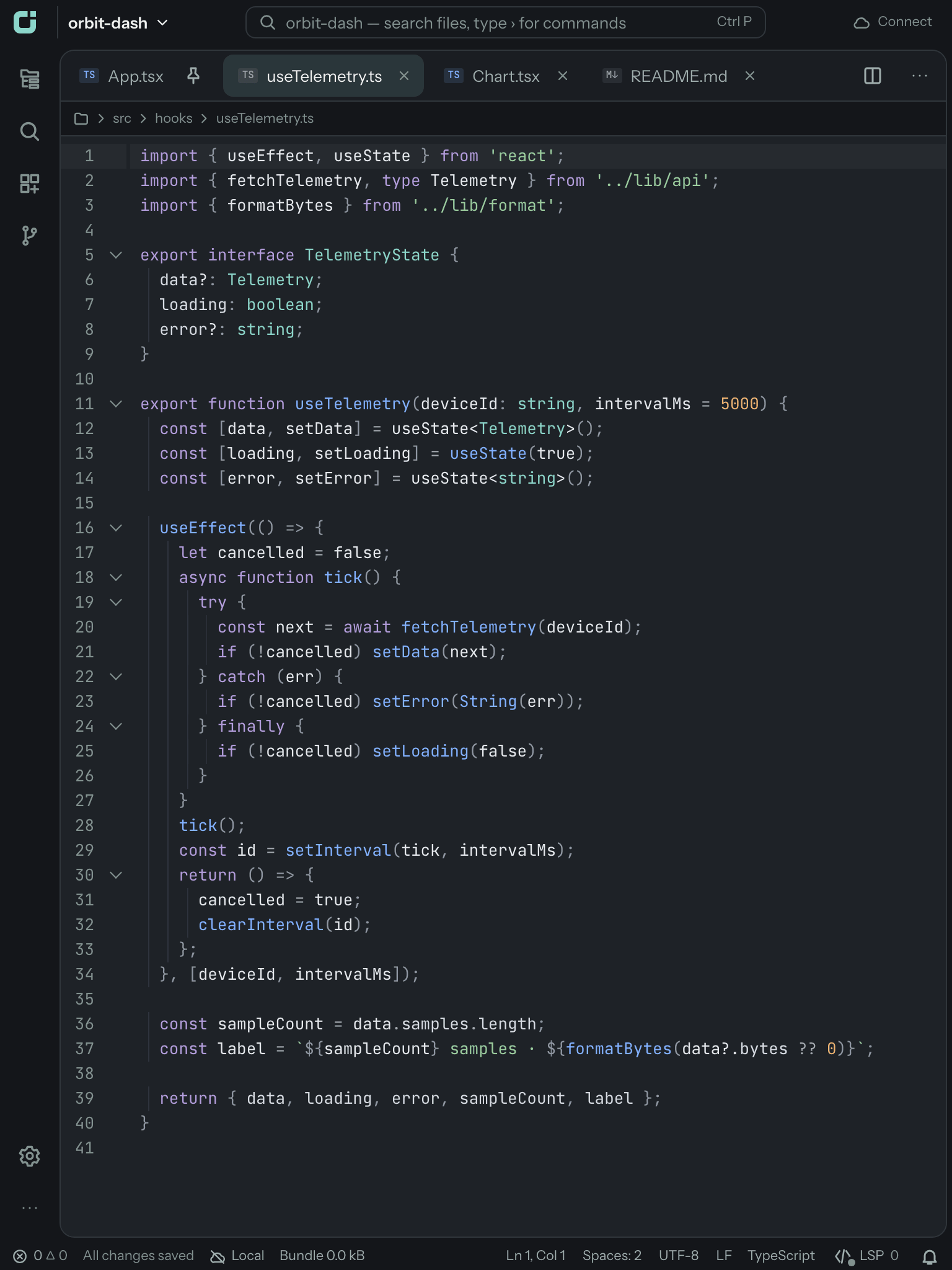
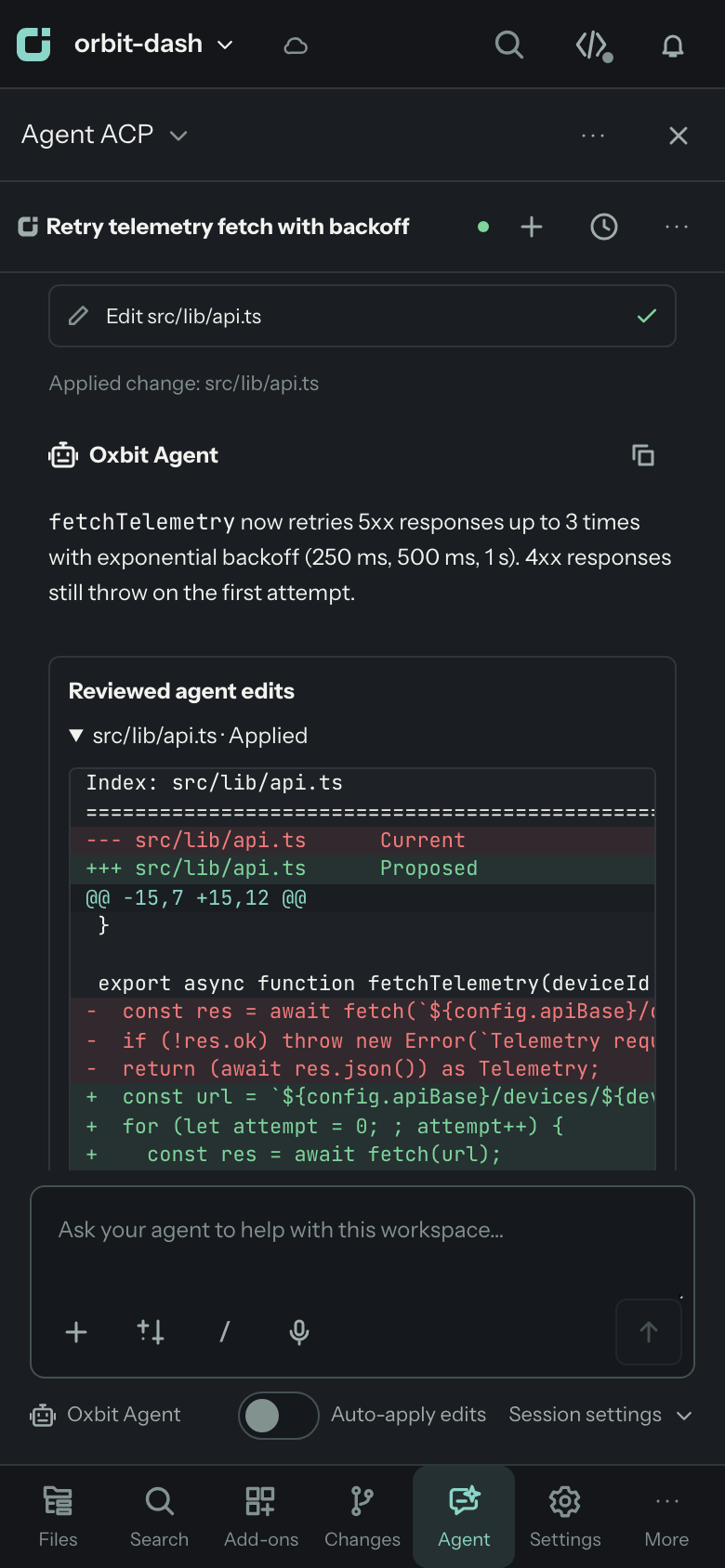
Edit the app's Documents folder, folders from Files, or folders on a server over SFTP. Git, language servers, and Oxbit Agent run on the device. Connect to a runtime on your network or start one over SSH for terminals and tasks. Keys and tokens live in Keychain. Requires iOS 26.
Join TestFlightRuntime
oxbit starts a runtime, opens the editor in your browser, and returns to the shell.
Run it again in the same project and it reuses the runtime. The printed URL carries a pairing code
that the editor consumes and removes from the address bar.
oxbit ~/code/appoxbit src/main.tsoxbit --statusoxbit --stopoxbit --lanoxbit --keep-alive 1hoxbit --desktopQuick start
On macOS or Linux, install Node 24, Git, and ripgrep. On Linux, npm also compiles the terminal addon, which needs Python, make, and a C++ compiler. Then:
@oxbit/cli with npmoxbit in any projectTo build from source, run curl -fsSL https://oxbit.dev/install.sh | bash. It also needs Bun 1.4.2.
npm install -g @oxbit/cli

oxbit ~/code/my-project